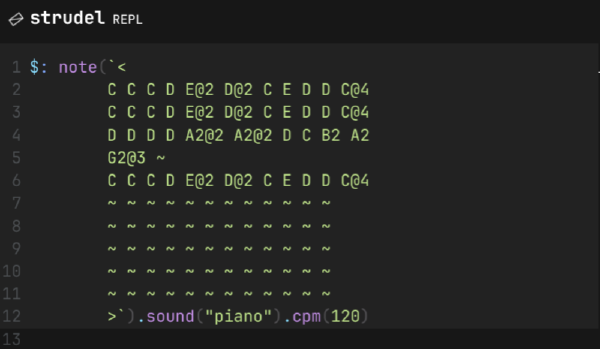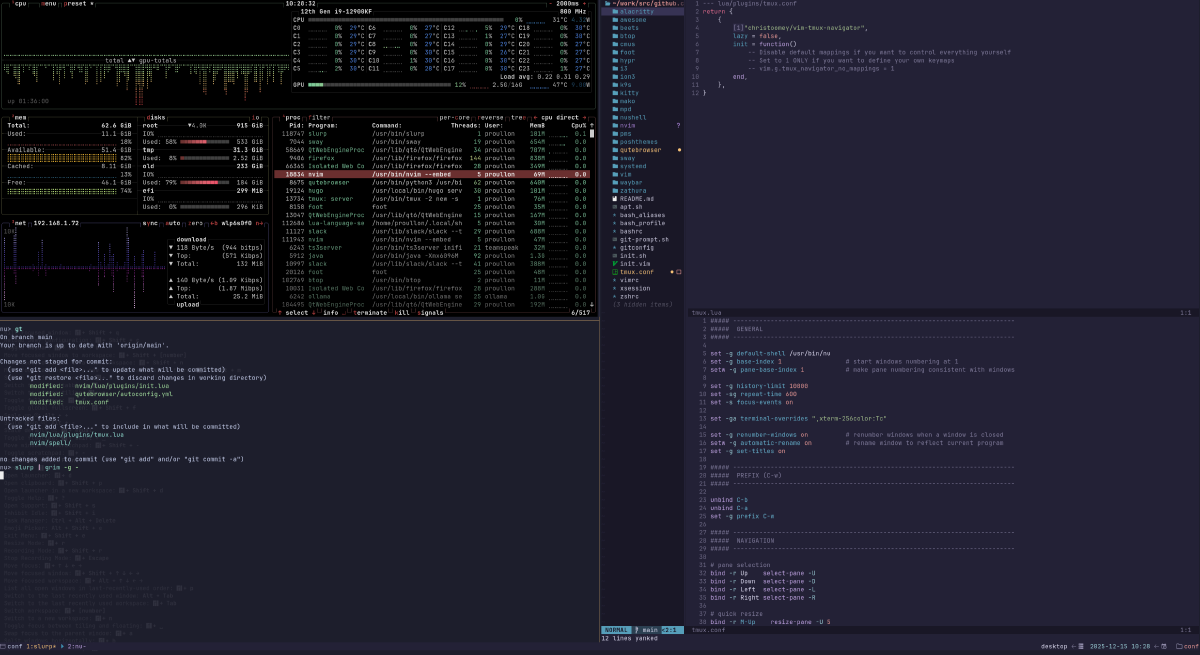
Il y a quelques jours j’ai trouvé le courage de mettre à jour ma config en passant enfin d’un unique fichier vimscript à une jolie config lua. J’en ai profité pour mettre à jour ma config tmux également.
Depuis au moins 10 ans, donc, j’utilise vim dans tmux avec le même préfix C-w. Quand vim est ouvert, le préfixe est forward à vim, sinon à tmux. La vie est belle, tout va bien.
Migration fail #
Malheur des mises à jour, ce comportement est cassé. Mais un peu cassé, c’est à dire qu’avec le combo tmux+neovim ou ssh+tmux+neovim sur mon laptop, tout va bien, MAIS, sur mon desktop tmux+neovim, non.
Est-ce que je suis un vieux con ? Ça y est ? C’est ça la sensation ? Le monde qui bouge et être incapable de s’y adapter ? Ne pas vouloir changer ses habitudes pour qu’elles fonctionnent avec les changements du monde ?
Sûrement. Je suis un vieux con alors. Je veux Ctrl-w comme préfixe pour tmux et neovim. Foutez moi la paix avec vos éditeurs du futur là.
Vérifions les versions déjà, et ajoutons un 3ème server témoin pour le fun.
| Host | distro | tmux | neovim | ssh | nushell | oh-my-posh |
|---|---|---|---|---|---|---|
| Desktop | manjaro | 3.5a | 0.11.4 | OpenSSH_10.0p2, OpenSSL 3.5.3 16 Sep 2025 | 0.109.0 | 28.1.0 |
| Laptop | arch | 3.6 | 0.11.5 | OpenSSH_10.2p1, OpenSSL 3.6.0 1 Oct 2025 | 0.109.0 | 28.1.0 |
| Server | ubuntu | 3.4 | 0.10.0-dev | OpenSSH_9.6p1 Ubuntu-3ubuntu13.14, OpenSSL 3.0.13 30 Jan 2024 | 0.79.1 | na |
Bon. Déjà on a une petite idée de ce qui ne va pas. Il va falloir mettre à jour manuellement tmux et nvim. Une fois que j’ai un workflow qui fonctionne, je vais ajouter les versions nécessaires dans le README de ma config.
MaJ sur Manjaro #
Déjà nu explose en vol. Mettons le à jour.
$ git clone git@github.com:nushell/nushell.git
$ git checkout 0.109.0
$ cargo build --release
$ cp target/release/nu /usr/local/bin/nu
$ nu --version
Sur AUR. On peut trouver tmux en 3.6 également:
$ yay -Ss tmux
extra/tmux 3.6_a-1 (485.2 KiB 1.1 MiB) (Installed)
    Terminal multiplexer
$ tmux -V
tmux 3.6a
Pareil pour neovim:
$ yay -Ss neovim
extra/neovim 0.11.5-1 (6.8 MiB 28.8 MiB) (Installed)
    Fork of Vim aiming to improve user experience, plugins, and GUIs
$ nvim --version
NVIM v0.11.5
Build type: RelWithDebInfo
LuaJIT 2.1.1765007043
Run "nvim -V1 -v" for more info
Voyons voir si je redémarre le serveur tmux maintenant
$ tmux kill-server
Nope. Toujours pas le comportement attendu.
MAJ sur ubuntu #
Vérifions que ma config ne fonctionne PAS sur le serveur.
$ git clone git@github.com:proullon/conf.git
Bon sinon le server:
$ curl -s https://ohmyposh.dev/install.sh | bash -s -- -d ~/.local/bin
(oui c’est pas bien, je sais.)
$ cd /tmp
$ curl -LO https://github.com/neovim/neovim/releases/download/v0.11.5/nvim-linux-arm64.tar.gz
$ tar xzf nvim-linux-arm64.tar.gz
$ sudo mv nvim-linux-arm64 /opt/neovim
$ sudo ln -sf /opt/neovim/bin/nvim /usr/local/bin/nvim
$ cd /tmp
$ curl -LO https://github.com/tmux/tmux/releases/download/3.6/tmux-3.6.tar.gz
$ tar xzf tmux-3.6.tar.gz
$ cd tmux-3.6
$ ./configure
$ make
$ sudo make install
$ tmux -V
tmux 3.6
Récapitulons maintenant:
| Host | distro | tmux | neovim | ssh | nushell | oh-my-posh |
|---|---|---|---|---|---|---|
| Desktop | manjaro | 3.6a | 0.11.6 | OpenSSH_10.2p1, OpenSSL 3.6.0 | 0.109.0 | 28.1.0 |
| Laptop | arch | 3.6 | 0.11.5 | OpenSSH_10.2p1, OpenSSL 3.6.0 | 0.109.0 | 28.1.0 |
| Server | ubuntu | 3.6 | 0.11.5 | OpenSSH_9.6p1 Ubuntu-3ubuntu13.14, OpenSSL 3.0.13 | 0.109.0 | 28.2.2 |
tmux conf debug #
Donc maintenant je n’ai pas de C-w dans neovim à la fois sur le desktop et le server. Youpi.
Tiens d’ailleurs C-l ne clear plus le shell non plus. Je dois C-w C-l maintenant.
Donc récapitulons:
| Host | C-w l |
C l |
|---|---|---|
| Desktop | last_window | rien |
| Laptop | split switch | rien |
| Server | last_window | rien |
Pour commencer je vais unbind C-w l last_window que je n’utilise pas.
unbind l
| Host | C-w l |
C l |
|---|---|---|
| Desktop | rien | rien |
| Laptop | split switch | rien |
| Server | rien | rien |
OK donc debug maintenant. Vérifions pourquoi le check pour savoir si le pane courant est vim ne fonctionne pas. Ajoutons ce raccourci dans ma conf:
bind D run-shell '
cmd=$(ps -o comm= -p #{pane_pid})
tmux display-message "pane_pid=#{pane_pid} cmd=$cmd"
'
Surprise. Dans un pane vim -> cmd: nu. Dans un pane avec htop -> nu. OK.
Essayons d’afficher le child process
bind D run-shell '
children=$(ps --ppid #{pane_pid} -o comm= | tr "\n" " ")
tmux display-message "children=$children"
'
Donc à priori un is_vim correct serait plutôt:
is_vim='ps --ppid #{pane_pid} -o comm= | tr "\n" " " | grep -iq nvim'
Forward débile #
BREF. Ce n’est pas vraiment le problème puisque is_vim n’est jamais évaluée de toutes façons. Changeons de stratégie. Je reprends ce que j’avais dans ma conf avant:
bind-key 'h' 'send-keys C-w h'
bind-key 'j' 'send-keys C-w j'
bind-key 'k' 'send-keys C-w k'
bind-key 'l' 'send-keys C-w l'
Je fais simplement en sorte que tmux forward la séquence entière quand il reçoit C-w h/j/k/l.
Toujours aucune idée de pourquoi ça fonctionne tout court sur mon laptop.
C’est tout. On verra plus tard pour être intelligent. On verra plus tard pour vim-tmux-navigator.
vim-tmux-navigator #
OK. Essayons d’être intelligent et de s’adapter.
Je vais ajouter vim-tmux-navigator à ma config tmux:
# tmux.conf
# (automatically handle C-h/j/k/l)
set -g @plugin 'christoomey/vim-tmux-navigator'
et à ma conf neovim
--- lua/plugins/tmux.conf
return {
    {
        "christoomey/vim-tmux-navigator",
        lazy = false,
        init = function()
            -- Disable default mappings if you want to control everything yourself
            -- Set to 1 ONLY if you want to define your own keymaps
            -- vim.g.tmux_navigator_no_mappings = 1
        end,
    },
}
Je peux donc naviguer tranquillement entre les splits nvim et tmux avec C h/j/k/l.
Il faut 1 mois pour ancrer une habitude ? Voyons-voir.